AES-256 · ON-DEVICE · OFFLINE

Every important document.
Locked to you alone.

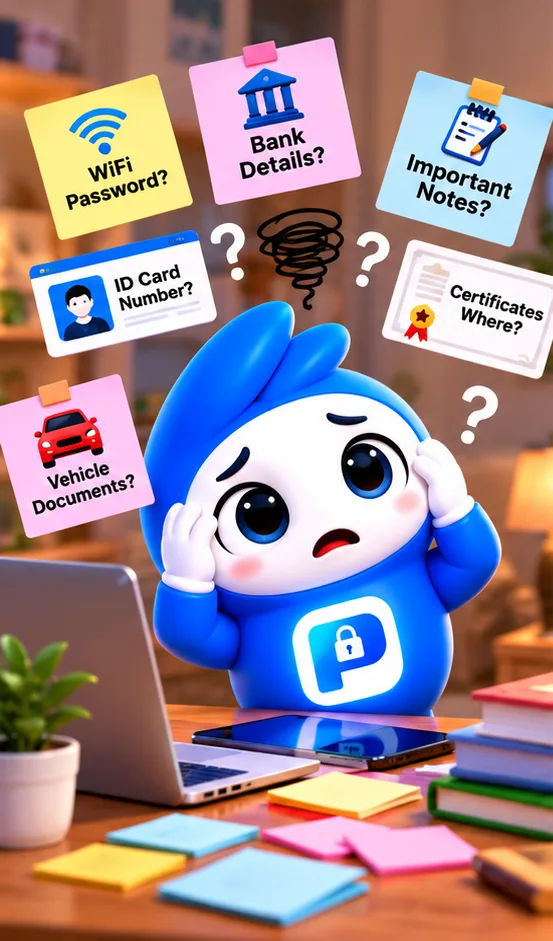
Passwords, insurance, IDs, bank details, warranties — organized in one place, encrypted on your device, and never uploaded anywhere unless you choose to.

🔑 Passwords 🪪 Identity 🚗 Vehicle 🏦 Bank 🧾 Warranty

What it actually looks like

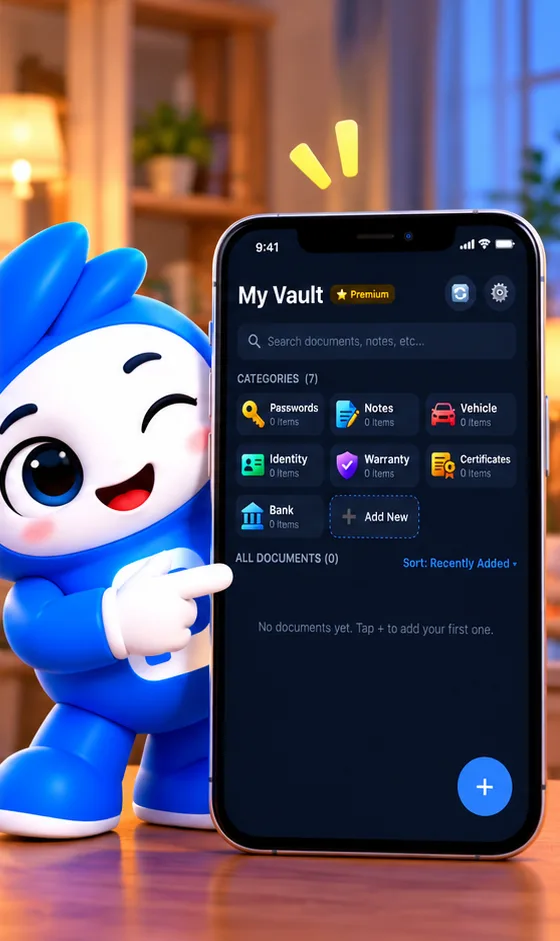
No fluff, no gimmicks — just your documents, organized clearly.

My Vault ⭐ Premium
🔄
⚙️
🔑Passwords
📝Notes
🚗Vehicle
🪪Identity
🧾Warranty
🏦Bank
Add New
🔑
Netflix
Passwords
🚗
RC Book
Vehicle · Honda City
🏦
Account Details
Bank · HDFC

Your whole vault, at a glance

🚗 Car Insurance
🏢
Provider
HDFC ERGO
🔢
Policy Number
•••• •••• 4821
📅
Expires
14 Mar 2027
📄
Renew

Every detail, plus the document itself

Backup
☁️
Google Drive Backup
● Connected
📦
Backed up
4 categories · 12 documents
📱
Works on any phone
Just sign in and restore

Real cloud backup — restore on any phone

Built like a vault, not a filing cabinet

Every design decision starts with one question: does this keep your data more private, or less?

01

Encrypted, not just password-protected

Titles, notes, account numbers, and passwords are individually encrypted with AES-256. The key lives in your device's hardware Keychain — never on a server, never in the app itself.

02

Fully offline by default

Pocket Locker makes zero network calls unless you explicitly connect Google Drive backup. Nothing is collected, tracked, or sent anywhere in the background.

03

Organized the way you actually think

Start with ready-made categories — Passwords, Identity, Vehicle, Bank, and more — then create your own items inside them, like a specific car or a specific bank account.

04

Face ID, fingerprint, or PIN

Lock the whole app behind biometrics, with a backup PIN for when that fails — plus an auto-lock timer so it locks itself back up when you step away.

05

Never miss a renewal

Set reminders — even multiple, staged ones — on anything with an expiry date, and keep a full renewal history alongside the current details.

06

Backup is opt-in, always

If you turn on Google Drive backup, your encrypted data goes into a private folder only Pocket Locker can see — invisible in your normal Drive, and removable anytime.